

RV, Boat & Trailer Storage

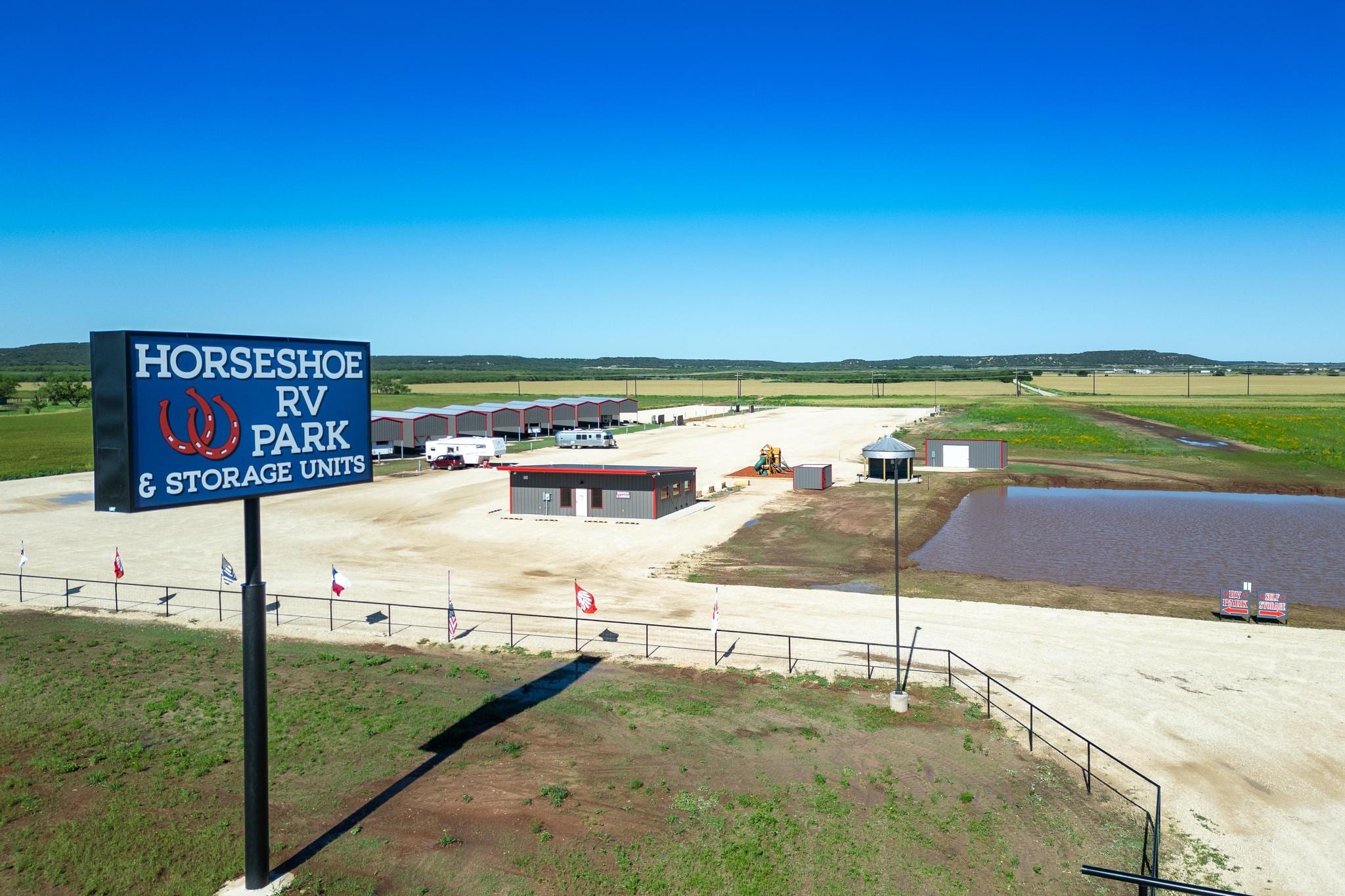
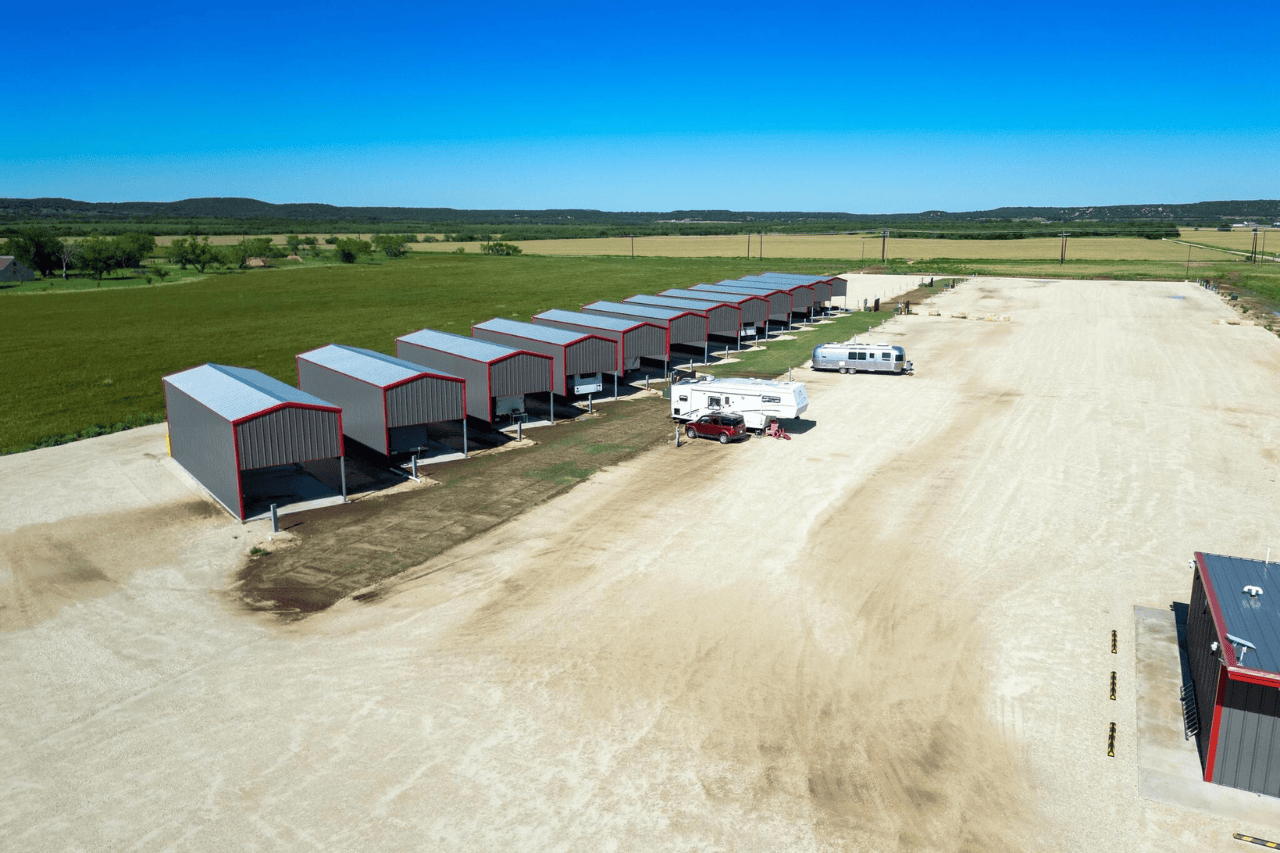
Horseshoe RV Storage Tuscola, Texas Uncovered RV, Boat & Trailer Storage

OVERVIEW

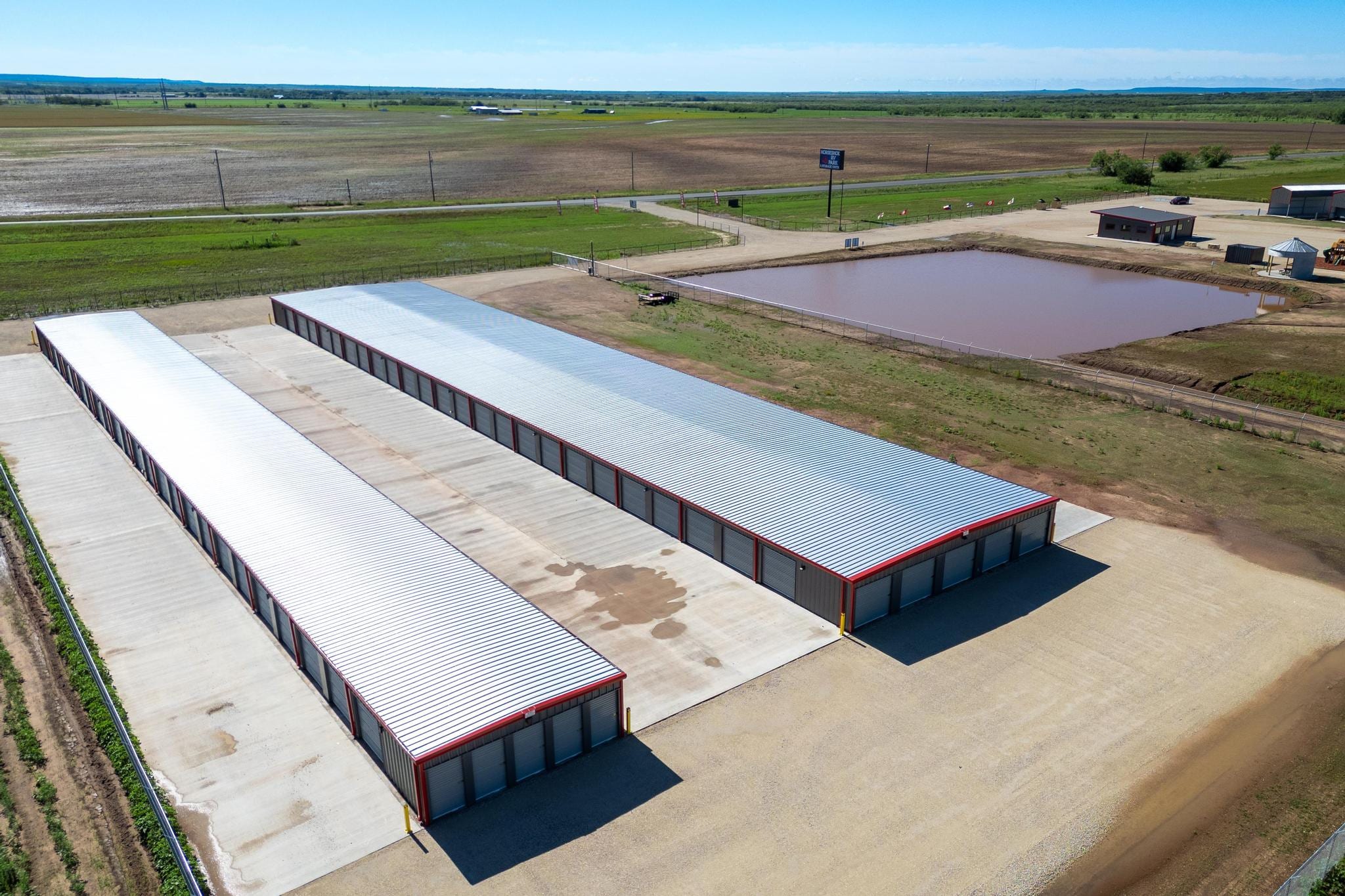
Welcome to our top-notch RV and Trailer Storage Facility in Tuscola, Texas, just a short drive from Abilene. We offer secure and convenient storage for your RV, travel trailer, toy hauler, fifth wheel, boat, and flatbed trailers.

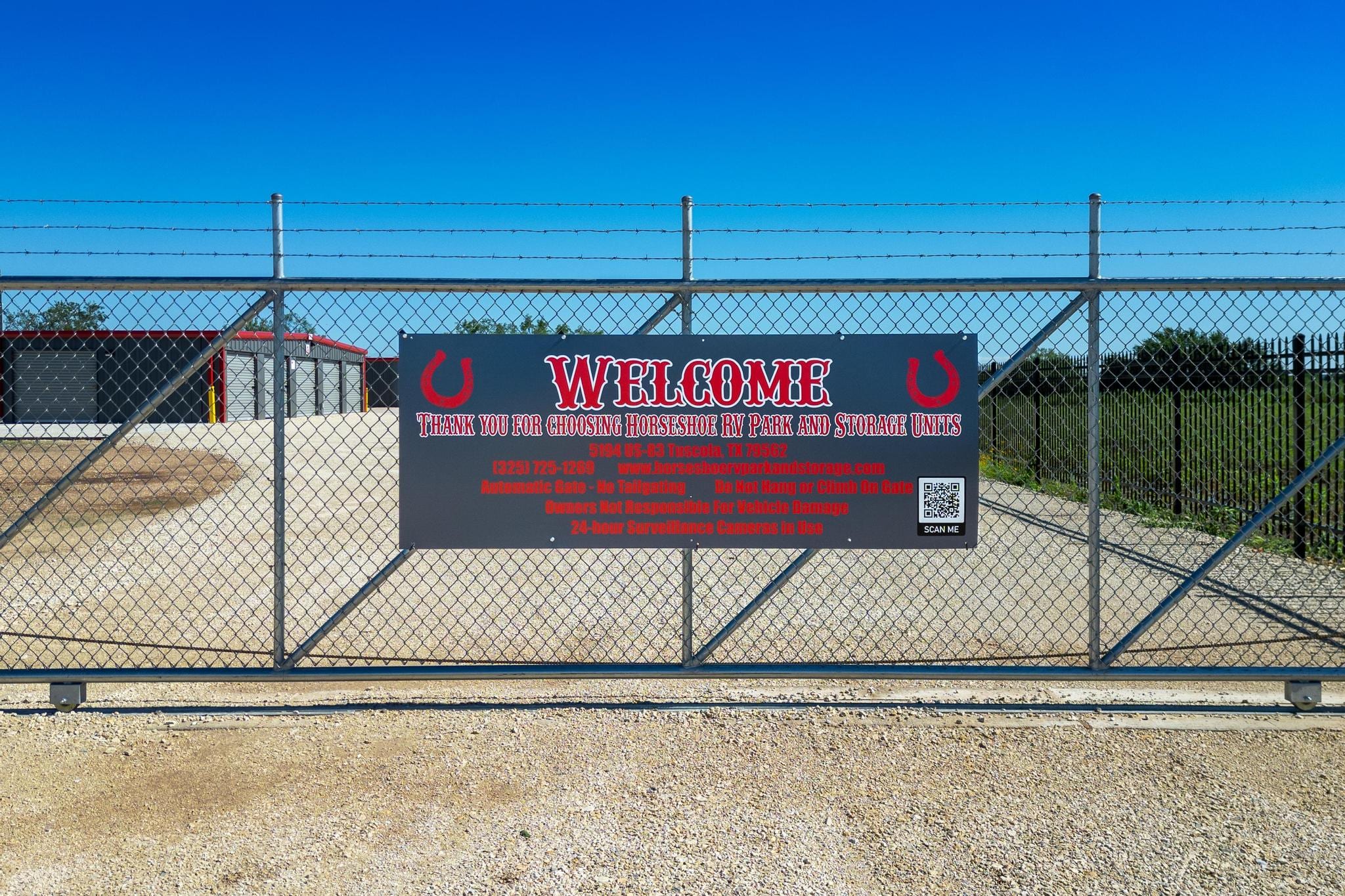
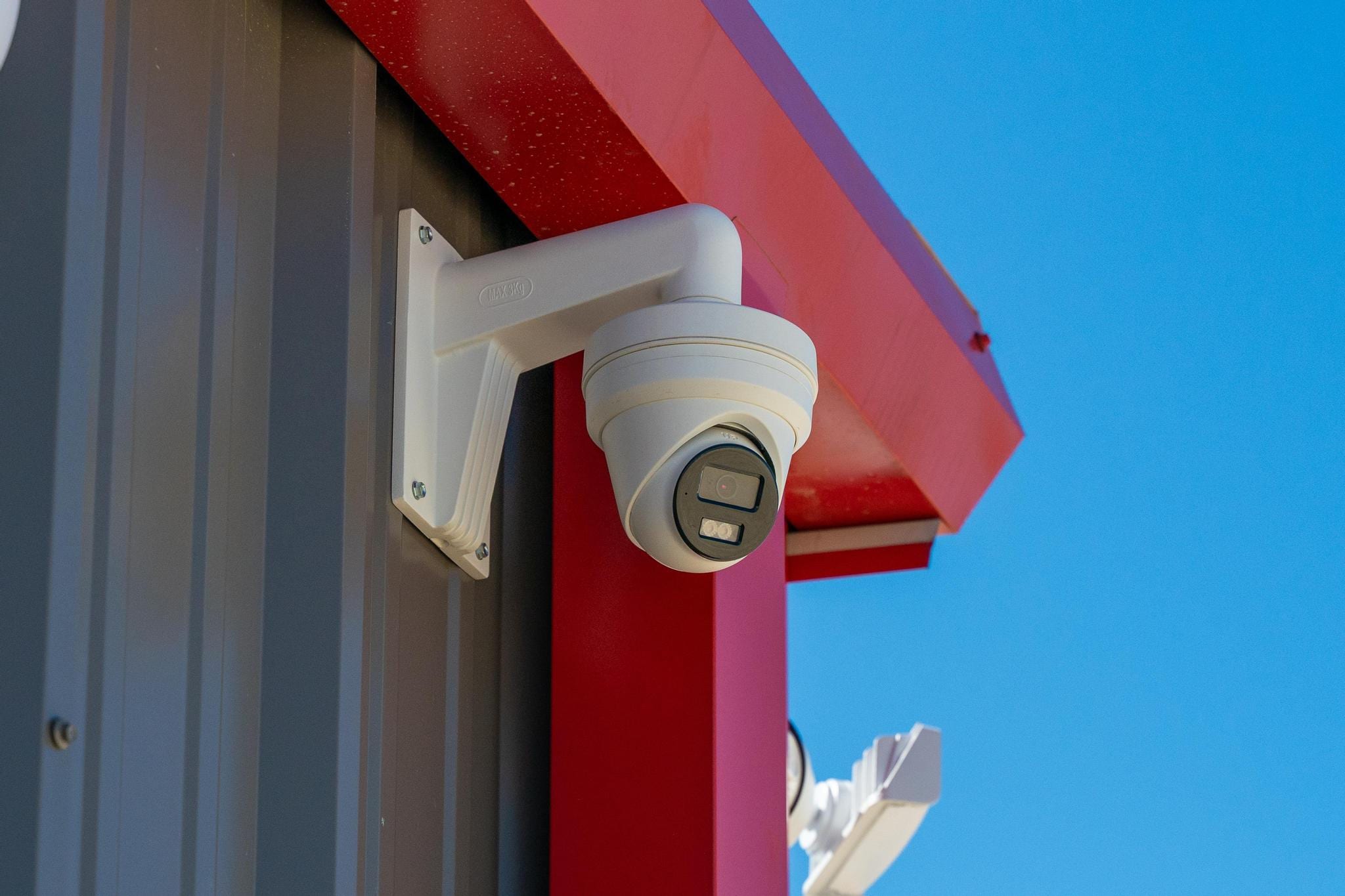
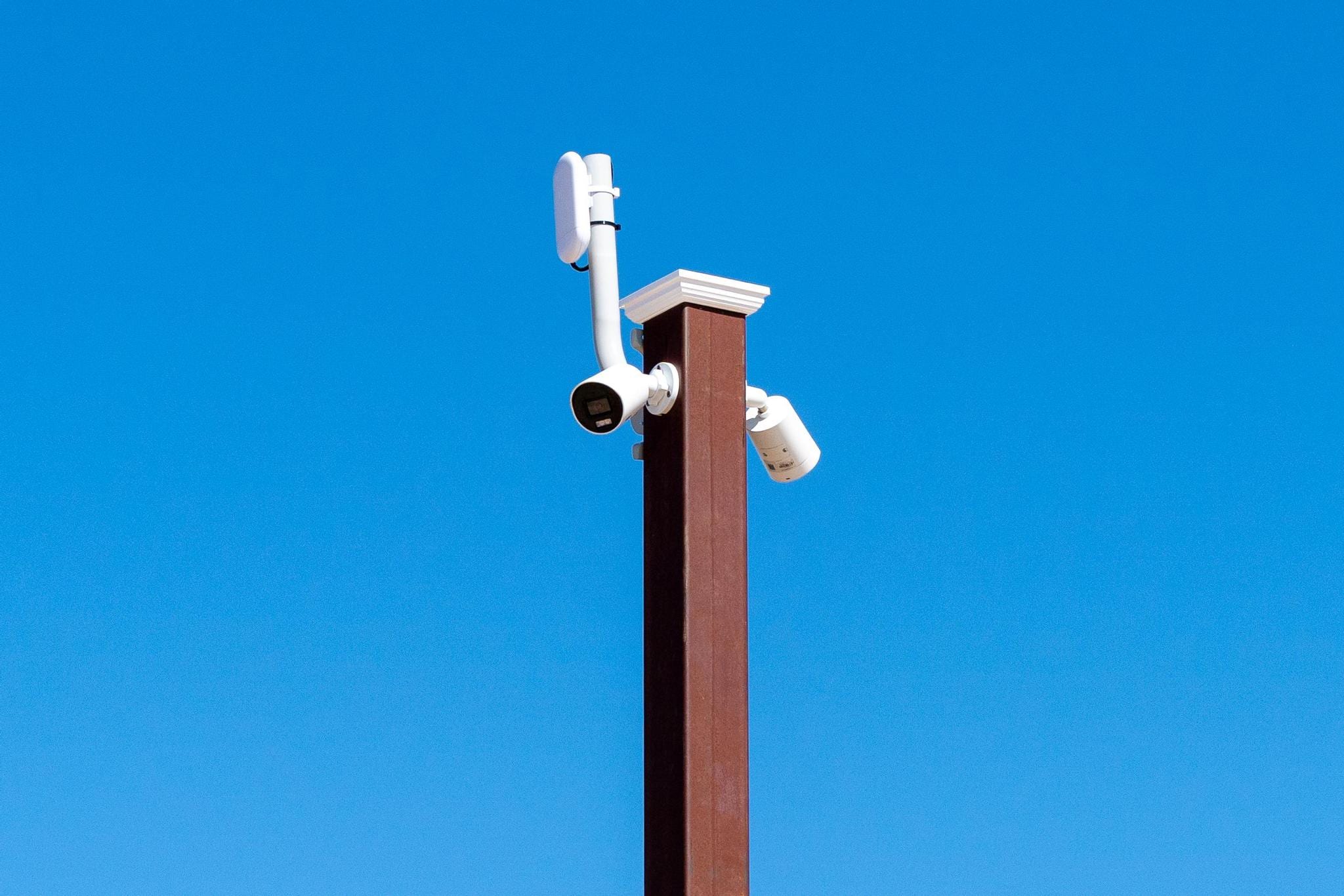
Our storage area is uncovered and designed to keep your vehicles safe. Security is a top priority—our facility is fenced and well-lit, with 24-hour surveillance and individual access codes. You can relax knowing your vehicles are well-protected.

We make it easy. Sign up and pay for your storage space online—no need to visit the office. Choose your storage option, complete the rental process, and manage payments from the comfort of your home.

Our facility is clean, accessible, and ideal for storing your recreational vehicles. With competitive pricing and friendly service, our RV and Trailer Storage Facility in Tuscola is your go-to for secure and convenient storage in the heart of Texas.

Storage Amenities

Uncovered RV & boat storage 

Security fencing

Individual access codes

24-hour surveillance

24-hour lighting

Online sign-up and payment

Clean, well-maintained facility

Easy access

Convenient location

Competitive pricing

Friendly customer service

Available Spots

We offer a variety of storage options to meet your needs. Securely store your RV, boat, or trailer in our uncovered parking area. Our facility features a security fence, keycode access, and 24-hour surveillance to ensure your vehicles are safe. With convenient and secure storage solutions, you can rest easy knowing your belongings are protected.

Rent NOw!

Horseshoe RV, Boat & Trailer Storage

5194 Highway 83

Tuscola, Texas 79562

Call Us: (325) 725-1269

Second Month Free!

UNLOCK SPECIALS TO FIND YOUR SUNNIER SIDE

Join our Sun Outdoors email family and get great specials and discounts for family vacations. As part of our tribe, you’ll enjoy RV resort camping deals, vacation home specials, and seasonal offers. Embrace the freedom to explore new places and connect with outdoor experiences. Sign up and let your journey to your Sunnier Side begin.

SIGN UP FOR OFFERS

Translate »
Save More with Extended Stays!

Check Availability

(325) 725-1269
We look forward to welcoming you to Horseshoe RV Park soon!
5194 Highway 83 Tuscola, Texas 79562

WELCOME TO HORSESHOE RV PARK & STORAGE

We have the perfect campsite just for you. Call us or request a call back below.

Check Availability (325) 725-1269

We look forward to welcoming you to Horseshoe RV Park & Storage Tuscola, TX real soon!

Spanish

Cómo Cambiar el Idioma del Sitio Web a Español en su Dispositivo para Reservar con Horseshoe RV Park:

⚠️ Mensaje Importante: Después de elegir reservar con nosotros, será redirigido al sitio de reservas de Campspot para completar los detalles de su reserva. Por favor, siga los mismos pasos de traducción en ese sitio para ver la información en español.

iOS (iPhone & iPad) – Safari
  1. Abra Safari y vaya a nuestro sitio web.
  2. Toque el icono “AA” en la esquina superior izquierda de la barra de direcciones.
  3. Toque “Traducir Sitio Web” (puede que necesite habilitar la traducción en configuración si es la primera vez).
  4. Si el español no está seleccionado automáticamente, toque “Traducir a Español”.
iOS (iPhone & iPad) – Chrome
  1. Abra Chrome y visite nuestro sitio web.
  2. Toque los tres puntos en la esquina inferior derecha de la pantalla.
  3. Seleccione “Traducir” en el menú.
  4. Elija “Español” como el idioma.
Android – Chrome
  1. Abra Chrome y navegue a nuestro sitio web.
  2. Toque los tres puntos en la esquina superior derecha del navegador.
  3. Seleccione “Traducir” en el menú desplegable.
  4. Elija “Español” como la opción de traducción.
Android – Navegador Predeterminado (si aplica)
  1. Abra el navegador en su dispositivo Android y vaya a nuestro sitio web.
  2. Toque los tres puntos en la esquina superior derecha.
  3. Busque las opciones de “Traducir” o “Idioma”.
  4. Seleccione “Español”.
Computadora de Escritorio – Safari (Mac)
  1. Abra Safari y vaya a nuestro sitio web.
  2. En la barra de direcciones, haga clic en el icono de Traducir (un pequeño globo de diálogo con una “A”).
  3. Seleccione “Español” de la lista de idiomas.
Computadora de Escritorio – Chrome (Windows o Mac)
  1. Abra Chrome y visite nuestro sitio web.
  2. Haga clic derecho en cualquier lugar de la página y seleccione “Traducir a…” en el menú.
  3. Si el idioma predeterminado no es español, haga clic en los tres puntos en la esquina superior derecha del cuadro de traducción y elija “Español”.

Contáctenos para Asistencia en Español:

Si necesita ayuda en español, comuníquese con nuestra oficina al 325-725-1269. Tenemos personal que puede asistirle en español.